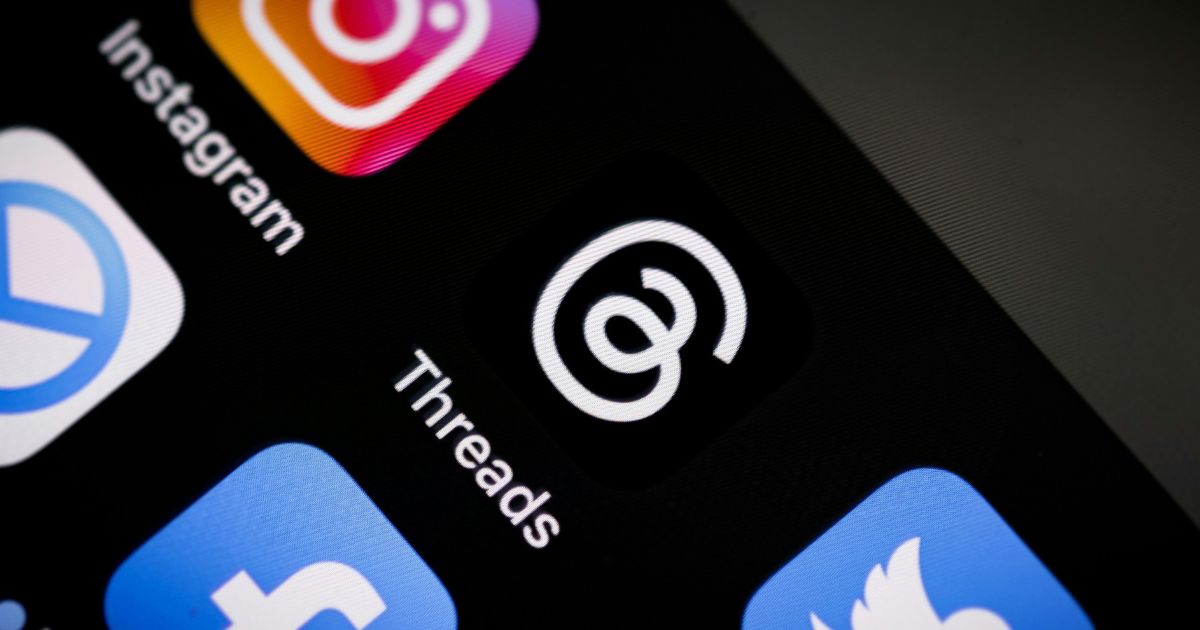
Meta is slowly moving away from the Instagram app to a Threads app. The company announced that advertisers no longer need to have matching usernames to run Threads ads. The move highlights the fact that Threads is now a separate platform for Meta.
Before now, Threads was only available for Instagram users. Advertisers were required to have the same username on both platforms. This necessity forced businesses to consider the apps as a whole. But the user behaviours are very different on the two platforms. Eventually, Meta understood that such a strategy severely restricted the company’s ad capabilities on Threads.
As of September 2026, the restrictions have been eliminated altogether. Threads ads can be run standalone from Instagram accounts. Moreover, businesses with no Instagram profile can create campaigns on Threads as well. This change is an important step for businesses looking to reach audiences on Threads. The policy is not a hidden secret, but it is clearly written as per Meta’s own statement: Matching usernames between the platforms will no longer be mandatory; it will be optional.
In case the business has been using a profile created for its ads:
- You will be able to use the existing profile of your business without having to make a new one.
- Your Instagram profile accounts are automatically linked to your Threads profile, so you can access the same profile to log in.
- Advertise settings are located on the profile in Settings and can be controlled by who has the ability to advertise on your Threads profile.
- All current ads in Meta Business Suite will remain delivered as normal – even when a Threads or Instagram username changes.
If you’re creating a new Threads profile, you’ll need to manually add the Threads profile in Meta Business Suite. You need to build a business portfolio first before you add a profile to Threads if this is the first time using Meta Business Suite.
On a desktop, to create a new profile for your business on Threads:
- Click Settings in the left pane of the Meta Business Suite.
- Click on Threads accounts below Accounts.
- Click + Add.
- Accept and click Add Threads account.
- Click Log in, and enter your Threads username and password.
- After you see the confirmation message, tap Done.
Recently, Threads surpassed 500 million users. This milestone indicates that this platform has reached a stage where it’s grown to a level that allows it to be marketed independently. With a wider range of interests and engagement, advertisers are now aware that Threads is a platform that attracts a different audience than Instagram.
Meta has already made moves toward this split. The company has separated Instagram graph insights from the Threads onboarding flows. Previously, Instagram engagement was used to predict the interest of the users in Threads. That was wrong, as usage is different across platforms. As a result, engagement measures are no longer used for recommendations in Threads.
Meta also noted these changes are rolling out gradually. Some advertisers are not currently getting independent Threads ads. This step-by-step strategy enables Meta to track results and make necessary adjustments to the systems. These independent advertising features should be available to all businesses in the end.